How to Build a Shared Travel Itinerary
Learn how to build a shared travel itinerary with friends. Tips for collaborative planning, decision-making, and keeping everyone on the same page.

Louis Bloom
Author
Gathering Input Without Chaos
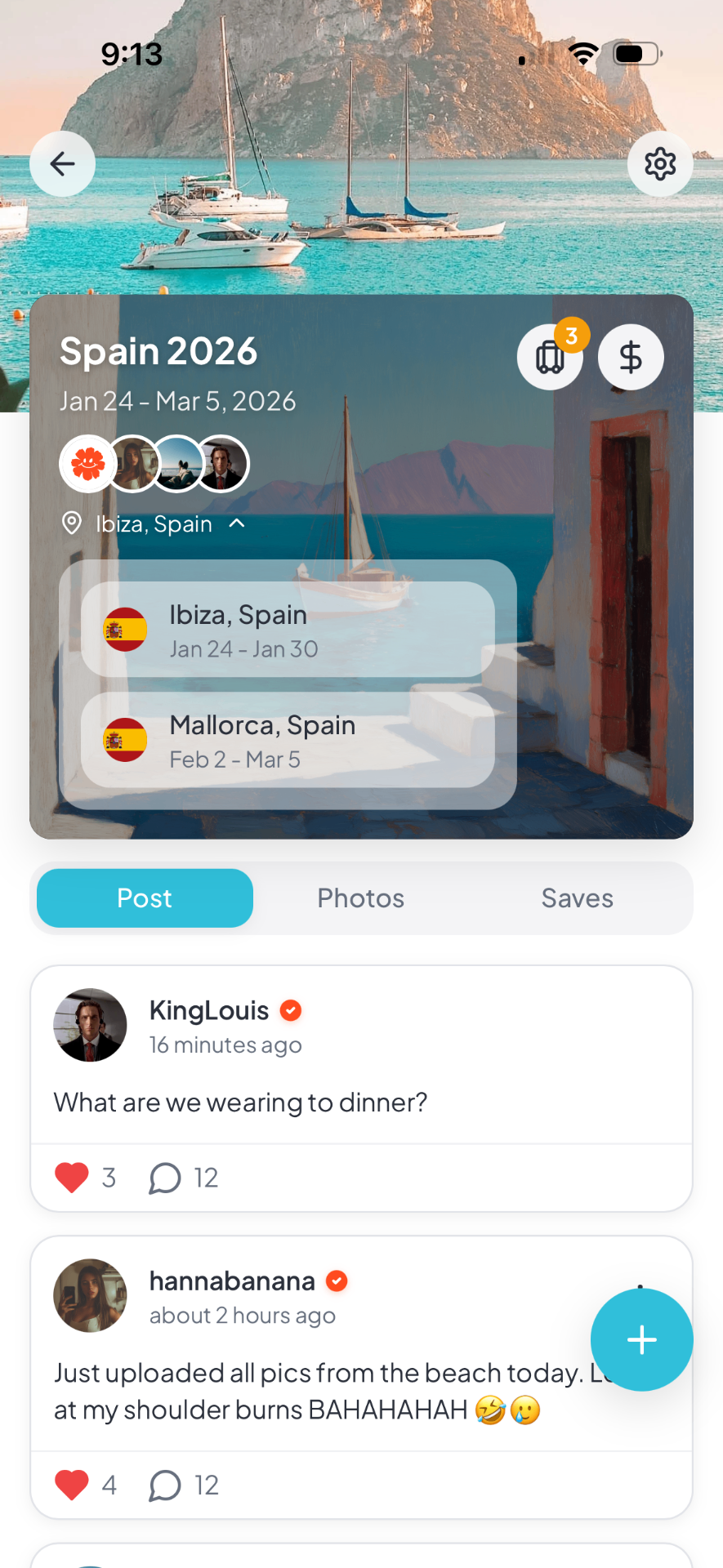
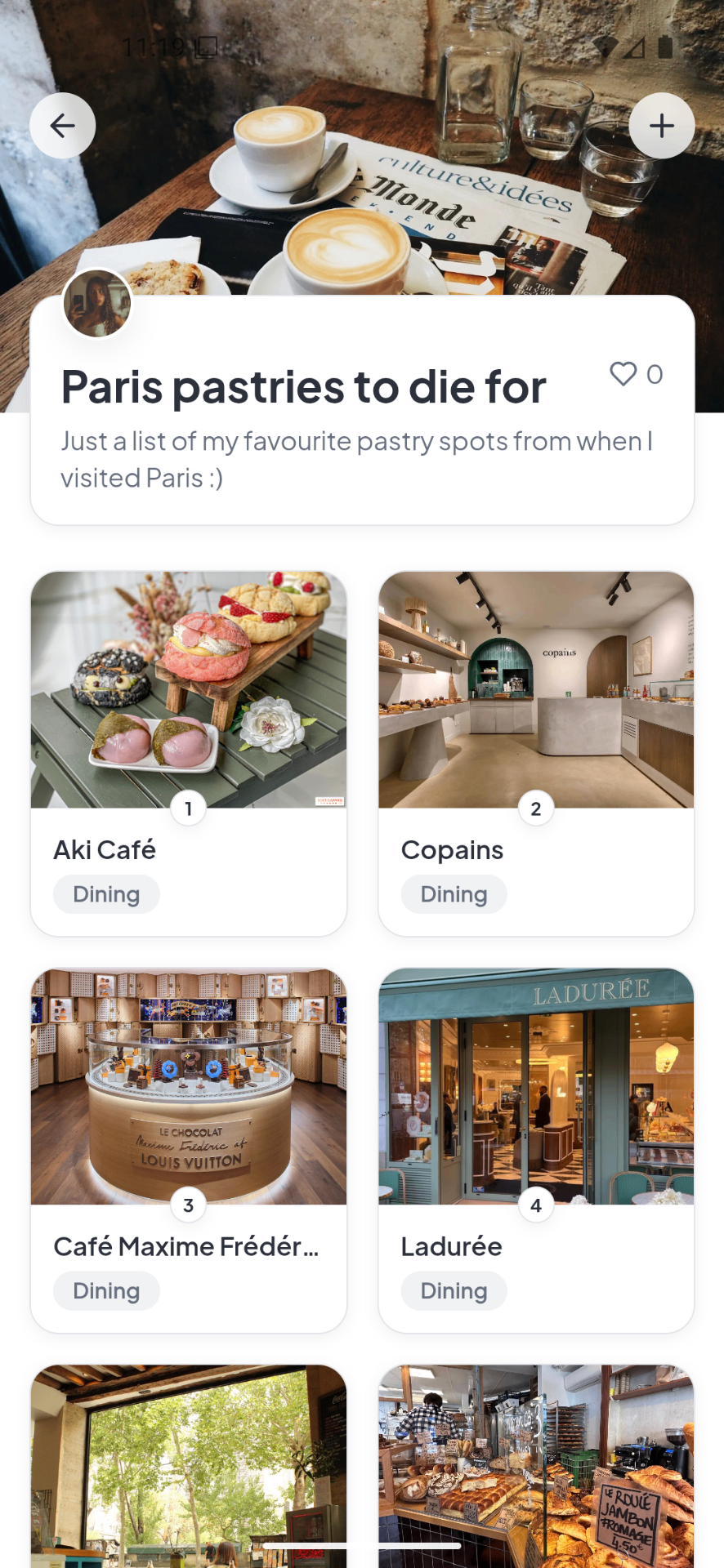
Building a shared itinerary starts with collecting everyone's interests and constraints. Without structure, this becomes an endless thread of suggestions and conflicting opinions. ### The Individual Brainstorm Phase Before any group discussion, have everyone submit their must-see list independently. This prevents groupthink and ensures quieter voices get heard. For a trip to [London](/destinations/london), one person might prioritize museums, another wants theater, a third cares about food markets. Capturing these independently reveals true priorities. ### The Constraint Documentation Beyond interests, document constraints. Budget ceilings, dietary restrictions, mobility limitations, and energy levels all shape what is possible. Someone who cannot walk long distances changes your [Dubai](/destinations/dubai) plans significantly. Someone with a tight budget affects restaurant choices everywhere. ### Consolidating the Data Combine individual submissions into a master list organized by category—sights, restaurants, neighborhoods, activities. This becomes your raw material for building the actual itinerary. Using a shared planning tool like [Packed](/features/group-trip-planning) lets everyone contribute ideas and see the evolving plan without overwhelming group chats.
Making Decisions as a Group
Democracy sounds good until you are twenty messages deep debating lunch options. Better systems exist for group decision-making. ### The Voting Method For major decisions—neighborhoods to stay in, day trips to take, splurge activities—use voting. Everyone gets a set number of votes to distribute across options. This surfaces true group priorities without requiring consensus on everything. ### The Rotating Authority Model Assign decision-making authority by day or by category. One person chooses restaurants, another handles activities, a third manages logistics. This distributes mental load and prevents any single person from becoming the default planner who everyone blames when things go wrong. ### The Two-Option Shortcut When the group must choose quickly, offer exactly two options. "Should we visit the Blue Mosque or Hagia Sophia first?" gets answered faster than "what should we do today?" Binary choices reduce analysis paralysis and keep the itinerary building process moving. Packed works well for this because you can build the itinerary with timestamps and keep everyone on the same version of the plan. For destination-specific planning, keeping notes tied to a page like [London destination guide](/destinations/london) makes the day easier to structure.
Structuring the Shared Document
A shared itinerary needs organization that everyone can understand and navigate. ### The Day-by-Day Framework Organize by day with clear sections for morning, afternoon, and evening. Include addresses, transit notes, and booking confirmation numbers. For a city like [Istanbul](/destinations/istanbul), note which attractions are near each other to prevent zigzagging across the city. ### Status Indicators Use visual cues to show what is confirmed versus tentative. Green for booked, yellow for planned but flexible, red for needs decision. At a glance, everyone sees what still requires attention. ### The Notes and Alternatives Section Include a section for each day with backup options and contingency plans. If rain cancels your outdoor activity in [London](/destinations/london), the group needs to know the nearby museum option without starting research from scratch.
Building in Flexibility
Rigid shared itineraries break under the slightest pressure. Build adaptability into your collaborative plan. ### The Anchor-and-Float System Schedule one anchor activity per day that the group commits to. Everything else floats—optional if energy and interest allow. This provides structure without rigidity. ### Splitting Permission Explicitly state that the group can split up. Not everyone needs to visit every museum or join every food tour. Reconvene for meals to share experiences. When everyone has access to the full itinerary through a shared planning tool, splitting and regrouping happens seamlessly. ### The Daily Check-In Habit Each evening, review tomorrow's plan as a group. Does it still make sense? Has anyone learned about a better option? Should you sleep in instead? This keeps the itinerary responsive to reality rather than frozen from pre-trip research. It also helps groups vote on activities before the day is locked in, which cuts down on confusion and last-minute plan changes. When coordination starts getting messy, [Dubai destination guide](/destinations/dubai) gives the group one clearer place to work from.
Managing Changes During the Trip
No shared itinerary survives first contact with the actual trip. Plan for adjustments. ### The Modification Protocol Establish how changes get made. Can anyone propose adjustments, or does the daily leader have final say? How much notice before changing a group activity? Clear rules prevent resentment when plans shift. ### Real-Time Updates When something changes—delayed flight, closed attraction, sudden rain—update the shared itinerary immediately. Everyone needs the current version, not what was planned yesterday. This is where digital tools outperform paper printouts. ### The Pivot Day Option Build in at least one completely unscheduled day. When the itinerary falls apart or the group needs a break from structure, this day absorbs the pressure. Some of the best shared experiences come from these unplanned moments. A related guide such as [Istanbul destination guide](/destinations/istanbul) can also help if you want a more detailed planning workflow.
Tools for Shared Itinerary Building
The right tools make collaborative planning smoother and keep everyone aligned. ### Shared Documents Google Docs or similar work for simple trips. Everyone can edit simultaneously, and changes appear immediately. The downside is lack of structure—documents become messy with multiple editors. ### Spreadsheet Grids Spreadsheets offer more organization with rows for days and columns for details. They handle complex trips better than documents but are cumbersome on phones during the actual trip. ### Dedicated Trip Planning Apps Apps built for group travel offer the best of both worlds. They provide structure for planning and easy mobile access during the trip. Features like voting on activities, splitting expenses, and real-time updates keep groups aligned without constant messaging. When the whole group can see and adjust the itinerary in one place, coordination becomes effortless.
Handling Conflict and Compromise
Group itinerary building inevitably surfaces disagreements. Managing these well determines whether the trip succeeds. ### The Interest Trade When someone feels strongly about an activity others do not care about, trade favors. "I will join you for the opera if you come to the street food tour with me." This creates mutual investment in each other's enjoyment. ### The Solo Option Respect Sometimes the best compromise is splitting up. If half the group wants a museum and half wants shopping, do both separately. Reconvene for dinner. Forcing everyone into the same activity breeds resentment. ### The Post-Trip Review After the trip, discuss what worked and what did not in the itinerary building process. This feedback improves future group trips. Did everyone feel heard? Were decisions fair? Did the itinerary serve the group well?
FAQ
Common questions about building shared travel itineraries with groups.
Frequently asked questions
**How do you build an itinerary when everyone wants different things?** Have everyone submit must-see lists independently, then vote on group priorities. Use the rotating authority model where different people lead different days. Build in free time so people can pursue individual interests. Split up when preferences diverge significantly. **What is the best tool for sharing a travel itinerary with a group?** Use dedicated trip planning apps for complex group travel. They offer structure for planning and mobile access during the trip. For simple trips, shared documents work. The key is choosing something everyone will actually check and update. **How detailed should a shared itinerary be?** Include one anchor activity per day with specific timing, plus two to three flexible backup options. Note addresses and transit information. Do not schedule every hour—this creates stress when things change. A framework serves the group better than a script. **How do you handle last-minute changes to a shared itinerary?** Establish a modification protocol before the trip—who can propose changes and how much notice is needed. Update the shared document immediately when changes happen. Build in unscheduled buffer time to absorb unexpected shifts without derailing the entire trip.
Plan your next trip with Packed
Group itineraries, expense splitting, and 700K+ places to discover in one app.